How to tell an idle machine from a working one in satellite imagery
A single VHR frame will tell you a machine is there. It won't tell you, on its own, whether that machine did anything this month. That distinction matters if you're building utilisation estimates off imagery instead of off a dealer's word for it, and it's the part most people skip past when they start pulling pit and yard imagery for fleet counts.
What a parked machine looks like next to a working one
Start with where the machine sits relative to the work itself. A loader parked flush against a laydown area, nose-in, next to six others in a neat row, reads differently than a loader sitting alone at the edge of an active cut with a loose fan of material behind the bucket. Rows are inventory. Isolation near a bench face, a haul road, or a stockpile that's visibly grown or shrunk since the last pass is activity.
Track marks are the next tell, and they're more reliable than position alone. Fresh ruts have sharp edges and a slightly different tone than the surrounding ground, especially after rain when older tracks have softened and filled in. A machine sitting on tracks that look weathered, with vegetation creeping back into the ruts, has probably been sitting there a while. One on crisp, unweathered tracks that run right up to its current position moved recently, whether or not it's moving in the frame you're looking at.
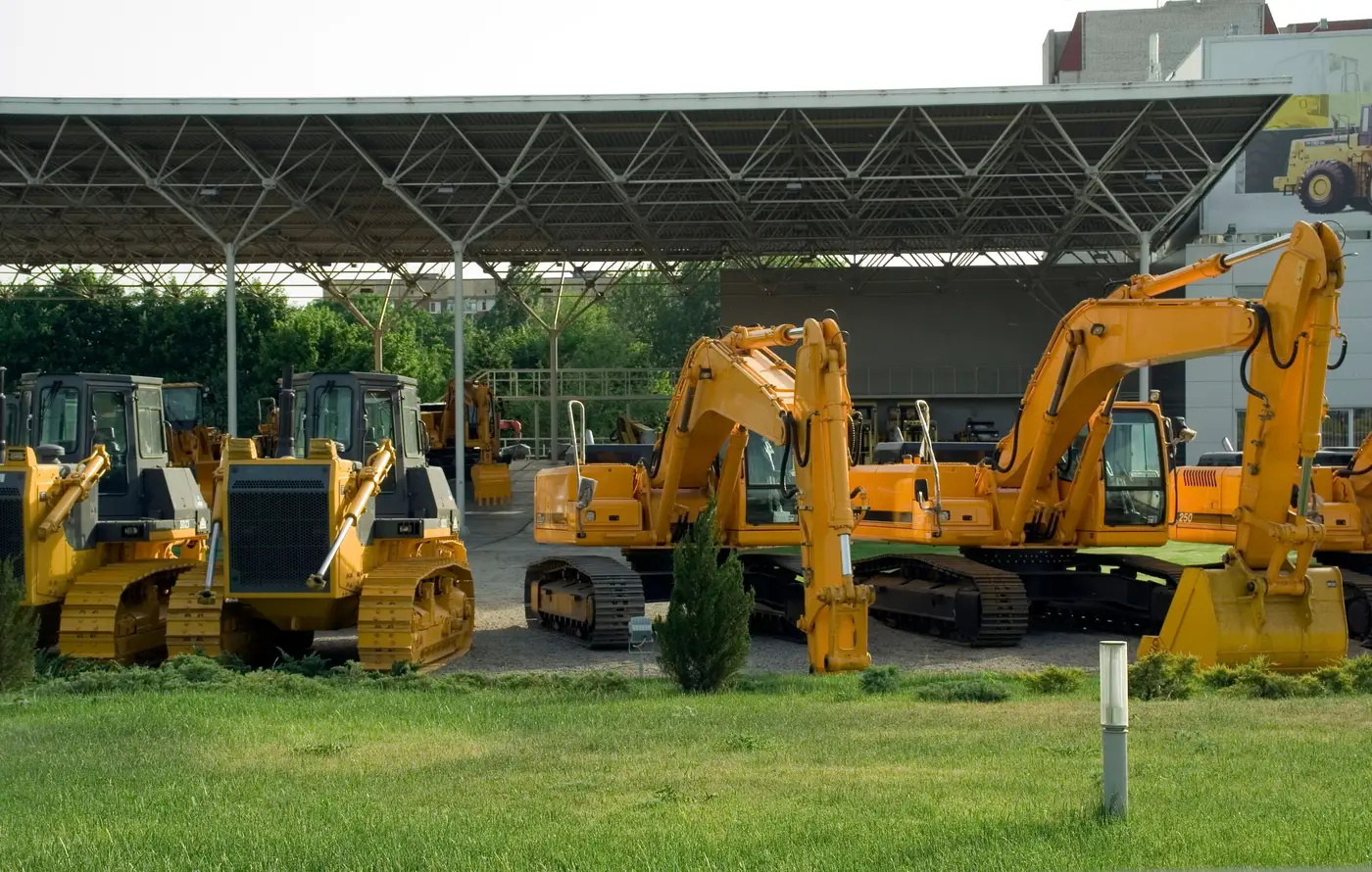
Orientation and attachment position help too. A dozer with its blade down and angled into a cut, or an excavator with the boom swung out over a haul truck, is mid-task. The same machines parked with blades up, booms stowed, and arranged parallel to each other along a fence line or access road are staged, not working. This is the same visual logic a yard foreman uses walking a site, just read from directly overhead instead of from ground level.
Dust and disturbance halos are the least reliable signal on their own, because wind and recent weather confound them, but they're a useful tiebreaker. A fresh plume or a disturbed apron of loose material around a machine, with no obvious wind-blown drift pattern, usually means it moved ground recently. A machine sitting on undisturbed, settled surface with no halo at all has probably been parked since before the pass.
Why one pass isn't enough, and what to compare instead
A machine photographed mid-shift, engine off for a break, can look identical to one that's been parked for a season. Pull the same site from the prior monthly pass and check whether that specific unit moved position, left new track marks, or shifted which row it's staged in. That comparison, not a sharper image of the same single moment, is what actually settles the question.
If a machine shows up in the same spot, same orientation, same undisturbed ground, across two or three consecutive monthly captures, treat it as idle inventory until something changes. If its position, surrounding disturbance, or staging row shifts between passes, it's in active use. This is slower than reading a single frame, but it's the only way to separate "parked for an hour" from "parked for a quarter," and that difference is exactly what feeds utilisation and replacement-cycle numbers downstream.
This kind of read only works if you have a consistent, dated count of every unit on a site to compare month to month in the first place, which is the baseline layer Heavy Equipment Detection builds from monthly VHR imagery instead of leaving it to whoever picks up the phone at the dealership. If you're already doing this comparison by eye across a handful of sites, it's worth seeing what a standing monthly count looks like once it's done for you.